
If you’re looking to buy a new gaming laptop – or simply want to get the most out of the one you own – look no further. Here you’ll find buying guides as well as upgrade options and other articles on our favorite topics.
Guides
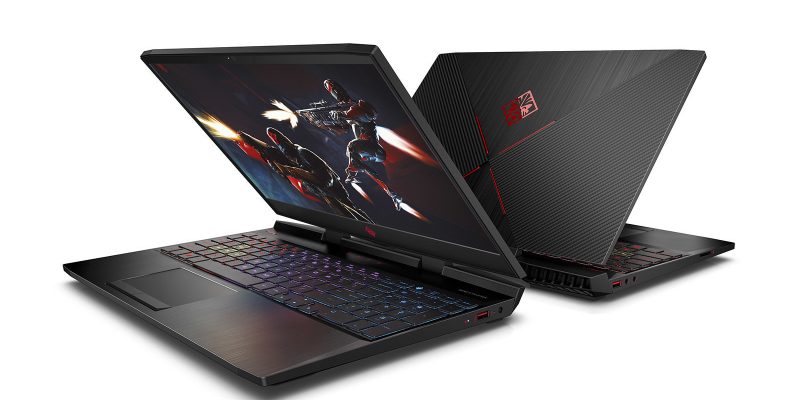
Gaming on a large, 17-inch laptop display is great for immersion and improves the overall experience. But what if you want portability as well? The good news is that it's completely possible to get a 17.3" gaming laptop today that is both portable and powerful. However, it's also a fact that you ...
READ MORE +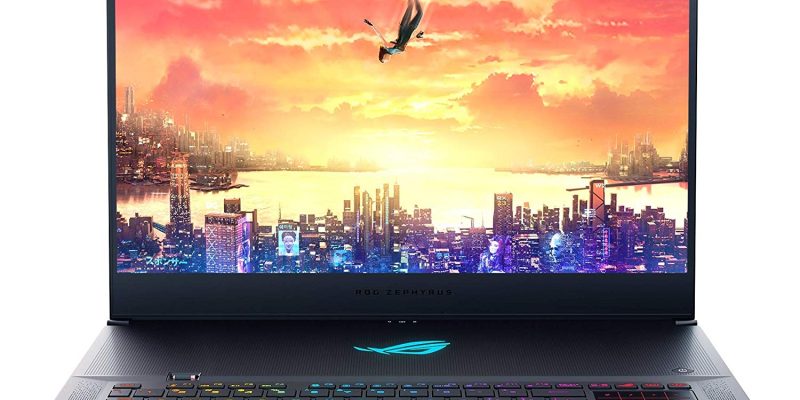
Nvidia's new ray tracing-enabled RTX series of graphics cards is very impressive when it comes to performance and they are available for laptops as well. If you are interested in getting a laptop powered by such a high-end GPU as the RTX 2070 – but also want a relatively thin-and-light design – ...
READ MORE +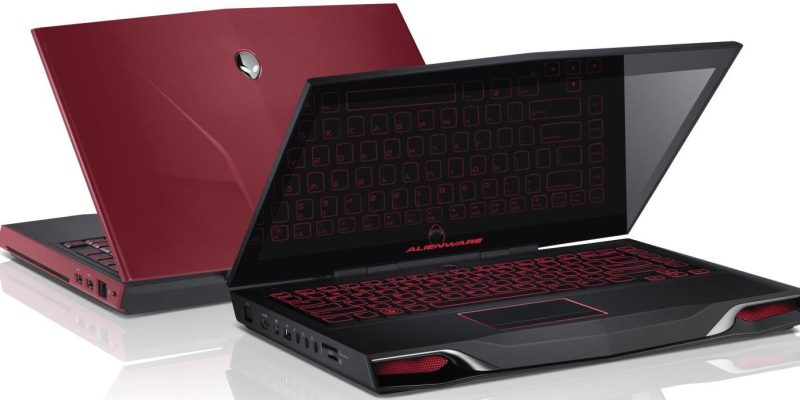
Top 10 Gaming Laptops - January 2013 This list is based on actual or estimated gaming performance, factoring in the hardware specification (particularly the graphics card) relative to the laptop's size.January Update: Not many changes from last month; current gaming laptops are all based on ...
READ MORE +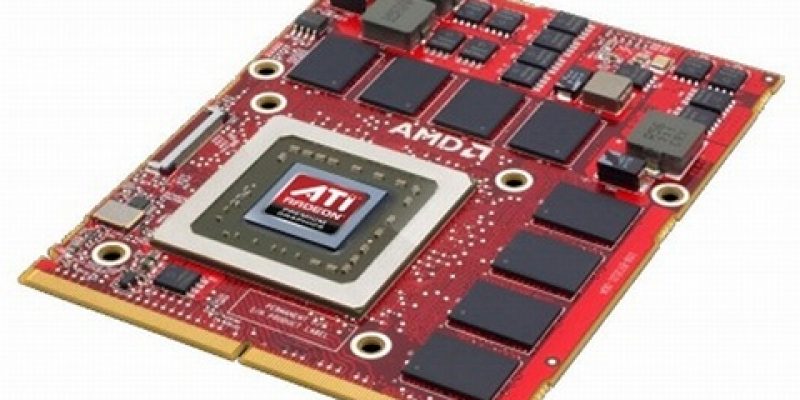
The AMD Radeon HD 7690M XT found in lots of HP laptops at the moment is already an overclocked card--the HD7690M is actually an HD 6770M with a higher memory clock--so it should have been unlikely to go much further, but as it turns out it's actually possible to squeeze a few extra frames per ...
READ MORE +
Original design manufacturing refers to companies who produce a product that will later have a different company’s logo placed upon it. This is commonplace among laptop manufacturers and is a process used by most of the big names in the industry, although there are a few exceptions.The ODM ...
READ MORE +
The question is obviously vague, because it varies from game to game and between different settings in the same game. But to get a rough idea of how much RAM - and much more importantly video RAM - modern games require, we are going to take a measure of a few popular games.We can establish right ...
READ MORE +In case you haven't noticed, the latest shooter from DICE/EA looks amazing, and for the same reason it's also very demanding. Because the game's "Frostbite 2" engine only works with DirectX 11/DX10, the game will not run at all on Windows XP. In other words a copious amount of older computers are ...
READ MORE +
Jan. 2012 update: This article was originally published a few months ago, in the middle of 2011, and surprisingly little has changed considering the usually rapid development in the tech industry. As of CES 2012, we have seen some progress from Toshiba in the way of glasses-free 3D gaming, but ...
READ MORE +
If you have a laptop with integrated Intel graphics, you can pretty much forget about playing Skyrim on it with decent quality settings. It will start (we've tried), but no amount of tweaking will get it past very low settings – even with the latest Sandy Bridge IGP (HD Graphics 3000).On the ...
READ MORE +It's difficult to get a comprehensive overview of the mobile GPU market, and the manufacturers (as in: AMD and NVIDIA) are not making it any easier by frequently updating the names whether or not there are any relevant changes compared to the predecessor. It is also important to remember that ...
READ MORE +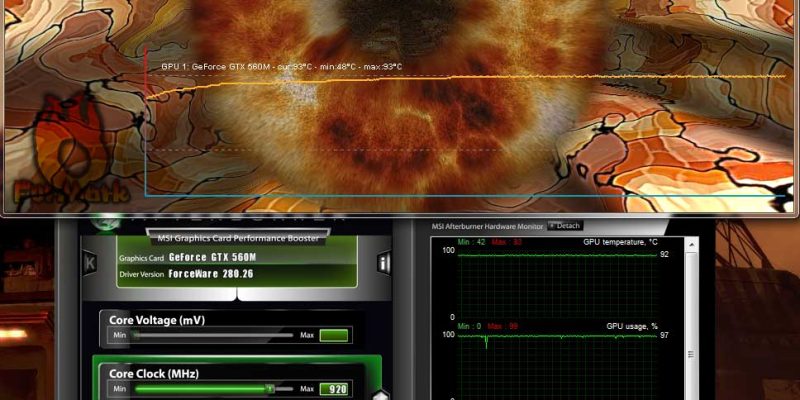
It’s not that it’s necessary to overclock the GTX 560M--it will run any current game at reasonable quality settings at its regular clock speed. On the other hand overclocking is fun. That said, we will put in the usual disclaimer here that what you do to your own computer is at your own risk. This ...
READ MORE +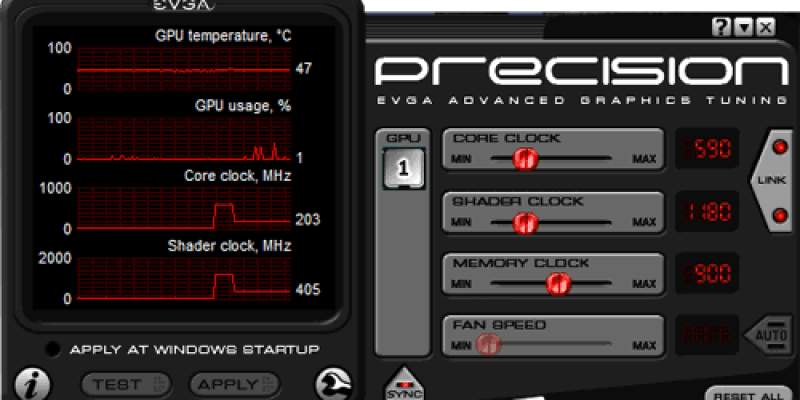
How much extra performance you can squeeze out of a laptop GPU differs a great deal between laptops--from none at all (locked BIOS) to an impressive amount of extra frames per second, suddenly making some games playable at higher detail settings and resolutions. Laptops specifically designed for ...
READ MORE +